 Click Allow to get more information on apkbbs Services for free!




Microsoft Copilot
 4.4
4.4
About This APP


 Download Latest Version
Screenshots





Editor Reviews
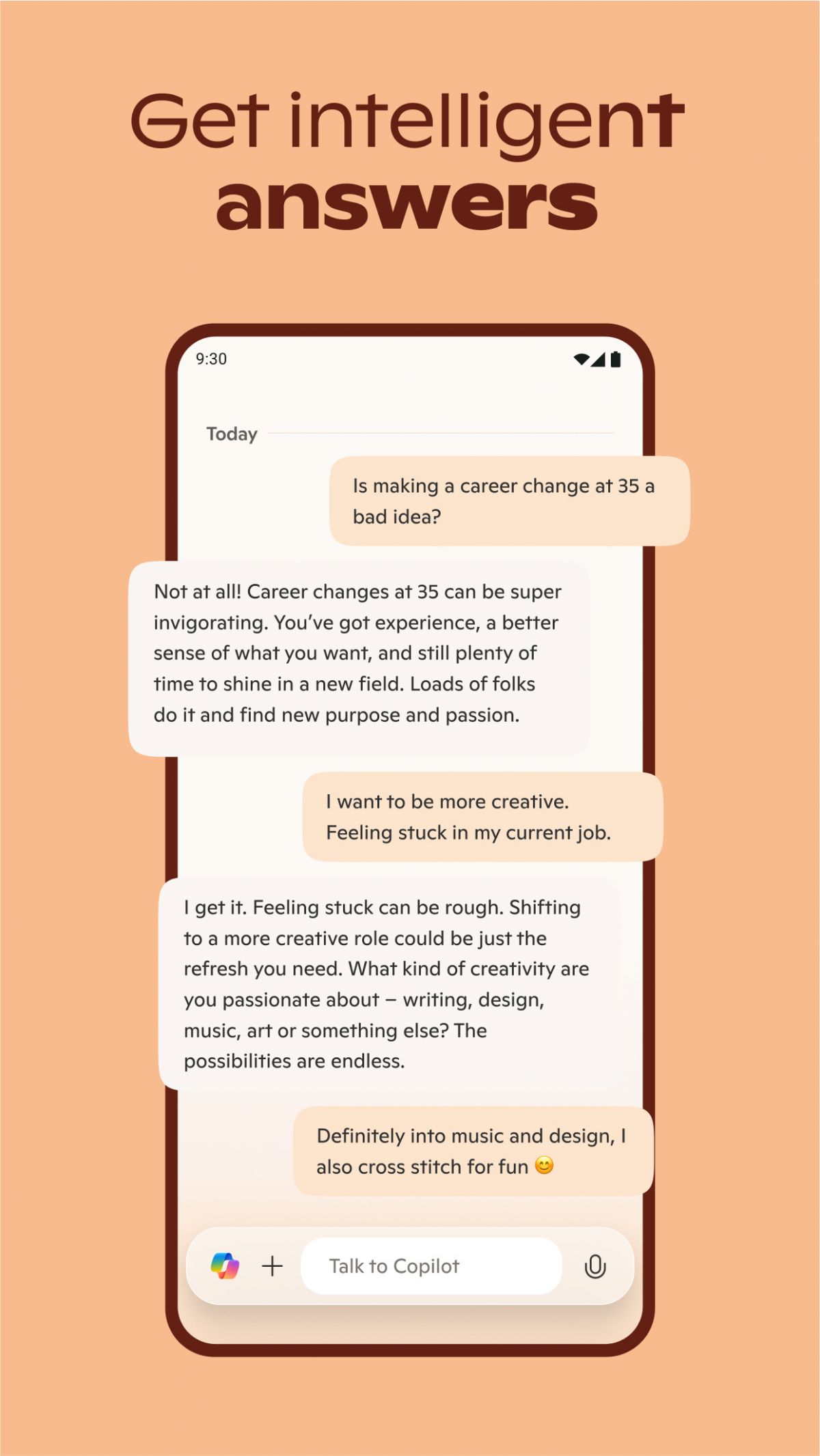
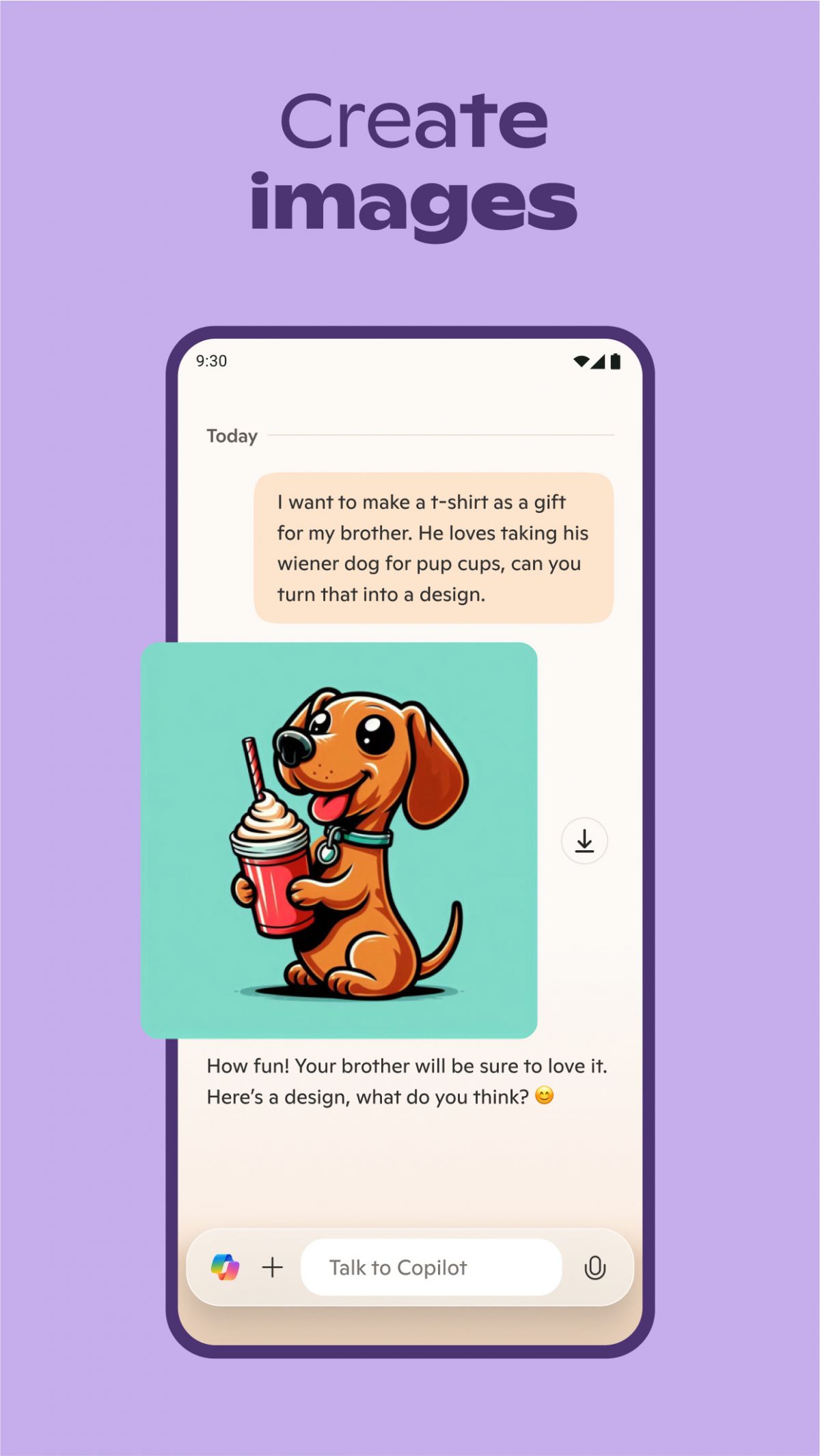
Microsoft Copilot, provided by Microsoft Corporation, is a significant breakthrough in AI-based productivity tools in the Microsoft 365 ecosystem. Launched with the vision to bring efficiency to the workplace, Copilot has advanced significantly by 2025 to emerge as a widely integrated, intelligent assistant that helps the user in several of Microsoft’s applications such as Word, Excel, Outlook, Teams, and OneDrive. The AI leverages natural language processing and generative AI capacities to decomplicate complex tasks, automate repetitive tasks, and provide contextual feedback, transforming it into an industry-independent, multi-purpose tool for professionals.
Noticing how smooth it is to use Copilot within Microsoft 365 is the first thing most people see when trying it for the first time. Changes to the interface were made to give users a consistent and easy way to access apps. For example, if you use Word to write a report, you can smoothly create a presentation in PowerPoint, with Copilot making sure the transition happens smoothly and you don’t need to learn new interfaces.
Practically, Copilot excels at email management in Outlook. It condenses lengthy email threads, capturing key points and highlighting action items, which is a significant time advantage otherwise wasted on reading emails. The AI also writes responses to cater to different contexts—client inquiries, internal reports, or official requests—and offers real-time tone, clarity, and professionalism guidance. The feature helps users craft more engaging and professional communications easily.
Microsoft Teams also receives the advantage of meeting assistance from Copilot’s AI, including live captioning, key takeaway generation, and action item suggestions while in meetings. Copilot provides pre-meeting summaries of past discussions and records so participants feel prepared to join. While participating in group conversations, it provides response suggestions, a summary of the conversation at hand, and context-driven insights to enhance decision making, thereby enhancing collaboration and reducing meeting fatigue.
OneDrive fans adore Copilot for smarter document handling. Copilot is able to drag information from several documents without needing to open each, compare up to five files to study similarities and differences, and generate summaries of files. Copilot’s chat window also allows users to query their files, with formatted replies like writing pitches based on multiple documents. Speech-to-text input as an added feature makes speech more accessible for hands-free use and bringing ease to multitasking.
Aside from these capabilities, Copilot is an all-around assistant that is aware of user behavior and organizational context based on emails, meetings, chats, and documents. Through this deep awareness, it can carry out complicated jobs such as creating strategic documents, making business trips, or getting through an email backlog with minimal input from the user. The capability of AI to create good content, interpret data by way of charts and dashboards, and suggest productivity shortcuts makes the workday more productive.
Features
 Seamless integration with Microsoft 365 apps, including Word, Excel, PowerPoint, Outlook, and Teams.
AI-driven content generation to write documents, emails, and presentations based on user input.
Data analysis support in Excel, including formula suggestions and trend summarization.
Transcription and summarization assistance in Teams meetings, highlighting key points of discussion and action items.
Email drafting and summarization assistance in Outlook, context-based.
Real-time collaboration support, increasing team productivity on documents and meetings.
Deep search with Microsoft 365 Chat, pulling information from across the suite.
Seamless integration with Microsoft 365 apps, including Word, Excel, PowerPoint, Outlook, and Teams.
AI-driven content generation to write documents, emails, and presentations based on user input.
Data analysis support in Excel, including formula suggestions and trend summarization.
Transcription and summarization assistance in Teams meetings, highlighting key points of discussion and action items.
Email drafting and summarization assistance in Outlook, context-based.
Real-time collaboration support, increasing team productivity on documents and meetings.
Deep search with Microsoft 365 Chat, pulling information from across the suite.
Advantage
 Users save a lot of time on normal tasks so they can concentrate on tasks that add more value.
Improved productivity using AI-powered drafting and data analysis within apps.
Improved collaboration and communication among teams through integrated meeting summarization and action item tracking.
Intuitive interface in line with other Microsoft 365 applications, reducing time to learn.
Users save a lot of time on normal tasks so they can concentrate on tasks that add more value.
Improved productivity using AI-powered drafting and data analysis within apps.
Improved collaboration and communication among teams through integrated meeting summarization and action item tracking.
Intuitive interface in line with other Microsoft 365 applications, reducing time to learn.
Shortcoming
 Depending on the Microsoft environment, limiting interoperability with third-party applications and services.
Potential for error in AI-created content needing human inspection and verification.
Steep learning curve of getting used to and harnessing AI capabilities within workflows effectively.
Privacy concerns regarding AI processing of organizational sensitive data, despite in-built security capabilities.
Relying on uninterrupted internet connectivity, which might impact performance for cases with varying access.
Depending on the Microsoft environment, limiting interoperability with third-party applications and services.
Potential for error in AI-created content needing human inspection and verification.
Steep learning curve of getting used to and harnessing AI capabilities within workflows effectively.
Privacy concerns regarding AI processing of organizational sensitive data, despite in-built security capabilities.
Relying on uninterrupted internet connectivity, which might impact performance for cases with varying access.
 Scanned by
Virus Total
Scanned by
Virus Total
Ratings
-
5

-
4
-
3
-
2
-
1
Disclaimer
 APKBBS does not directly participate in application distribution and does not hold shares of
application developers directly.
We provide images and links included in Google Play and App Store to help our users find the best
applications and games. All merchant trademarks and logos displayed on the website are the property of
their respective owners. The website is not affiliated with or associated with any of them.
APKBBS complies with the Federal Digital Millennium Copyright Act (DMCA) by responding to suspected
infringement notices that comply with DMCA and other applicable laws.
Every APK file that may be downloaded from APKBBS.com is also secure.
APKBBS does not directly participate in application distribution and does not hold shares of
application developers directly.
We provide images and links included in Google Play and App Store to help our users find the best
applications and games. All merchant trademarks and logos displayed on the website are the property of
their respective owners. The website is not affiliated with or associated with any of them.
APKBBS complies with the Federal Digital Millennium Copyright Act (DMCA) by responding to suspected
infringement notices that comply with DMCA and other applicable laws.
Every APK file that may be downloaded from APKBBS.com is also secure.
Hot Apps
 4.4
4.4
 4.3
4.3
 4.2
4.2
 4.5
4.5
 4.3
4.3
 4.5
4.5
 4
4
 4.8
4.8
 4.5
4.5
 4.5
4.5
 4.1
4.1
 4.3
4.3

Amazon Alexa
Duolingo: language lessons

Geeni
Nextdoor: Neighborhood network

Police Scanner - Scanner Radio

Shazam

SiriusXM: Music, Sports & News
TextNow: Call + Text Unlimited

Yuka - Scan de produits
WhatsApp Messenger

Google Chat

OfferUp: Buy. Sell. Letgo.

Fitbit
Tubi TV

Afterpay - Buy Now. Pay Later

Wyze - Make Your Home Smarter

SHEIN-Shopping Online
Signal

MyChart