 Click Allow to get more information on apkbbs Services for free!




Microsoft Edge
 4.7
4.7
About This APP


 Download Latest Version
Screenshots


Editor Reviews
Microsoft Edge: Web Browser, an application provided by Microsoft Corporation and released on November 29, 2017, has come a long way since its debut. Initially designed as a successor to the infamous Internet Explorer, Microsoft Edge is an innovative web browser posing a serious challenge to other long-standing browsers like Google Chrome, Mozilla Firefox, and Safari.
Microsoft Edge was initially designed as a part of Windows 10, acting as the default browser on the operating system. Since then, it has undergone multiple changes, including the implementation of the open-source Chromium project as its core foundation in January 2020. This significant transformation has increased its compatibility across various platforms while enhancing user experience and providing improved browsing performance. The browser is now available across multiple devices, including Windows, macOS, iOS, Android, and Linux.
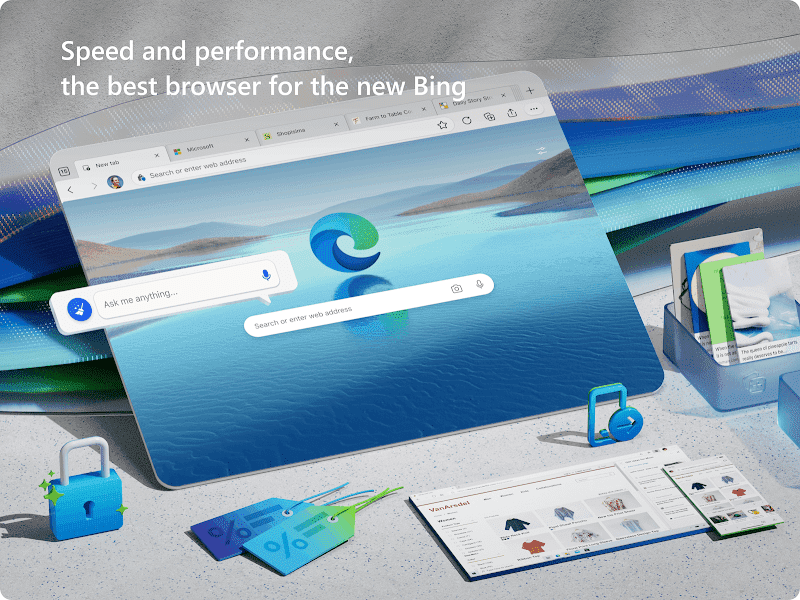
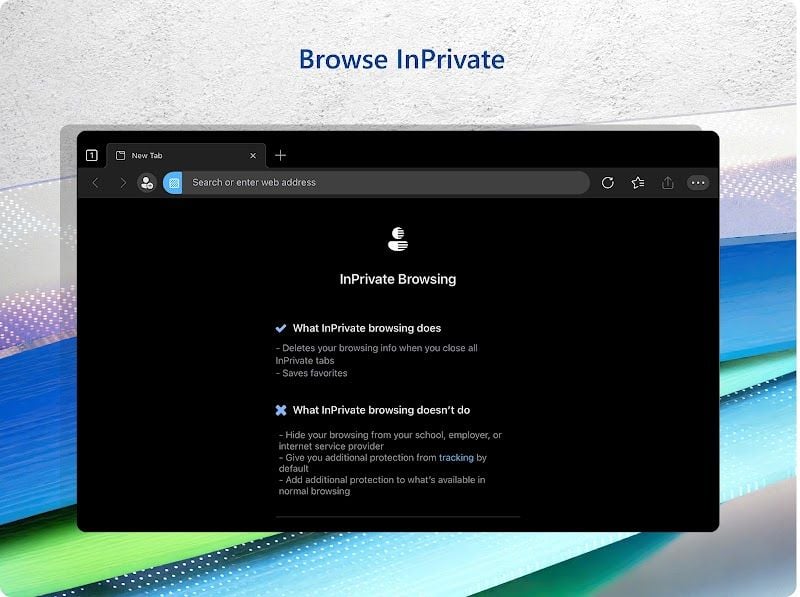
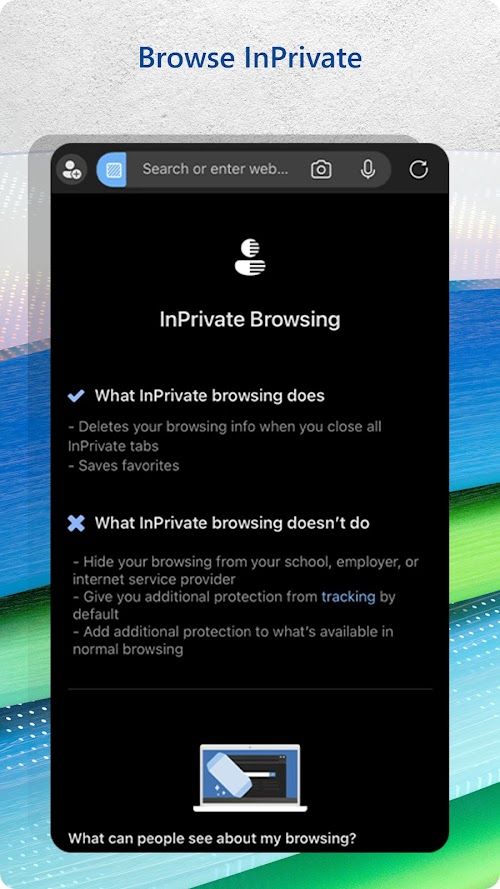
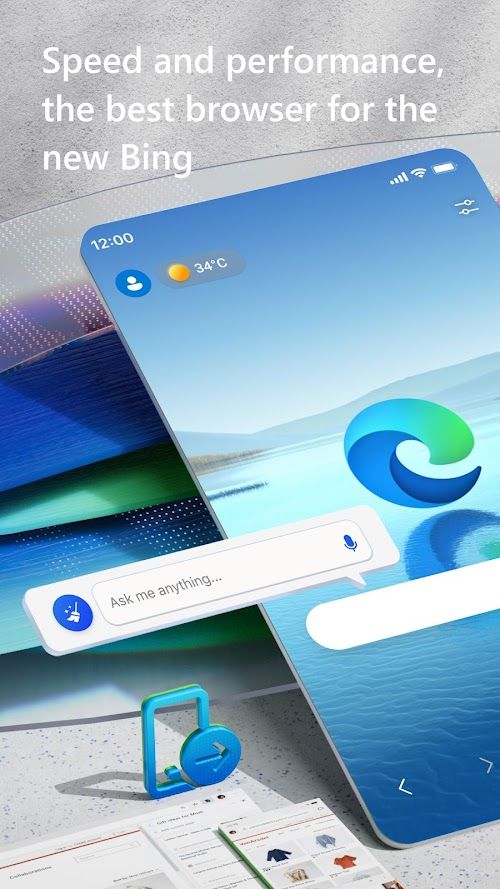
With privacy concerns and security at the heart of modern internet users’ concerns, Microsoft Edge takes this into consideration by providing various levels of privacy controls, allowing users to fine-tune their preferences based on their individual needs. The browser incorporates multiple features like Microsoft Defender SmartScreen to provide protection from malicious websites and phishing attacks. Additionally, it consistently delivers outstanding speed and performance, making it a worthy rival to Google Chrome.
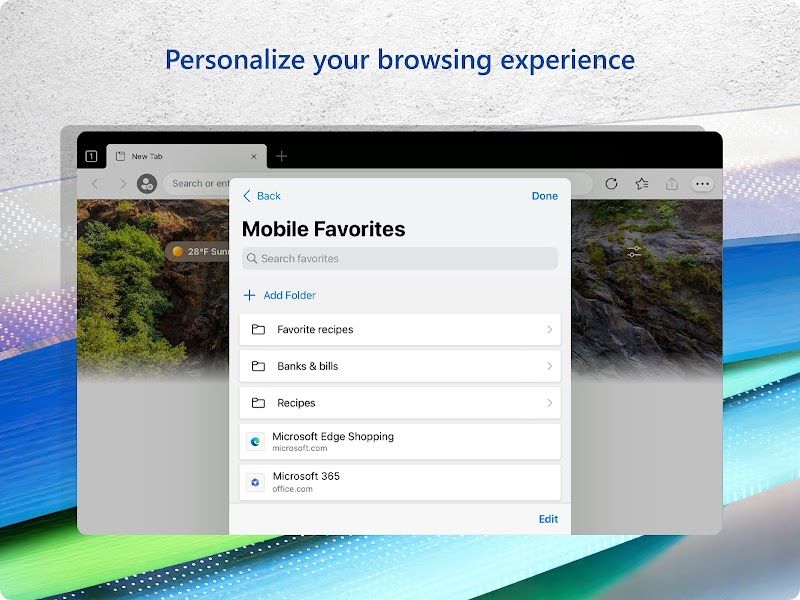
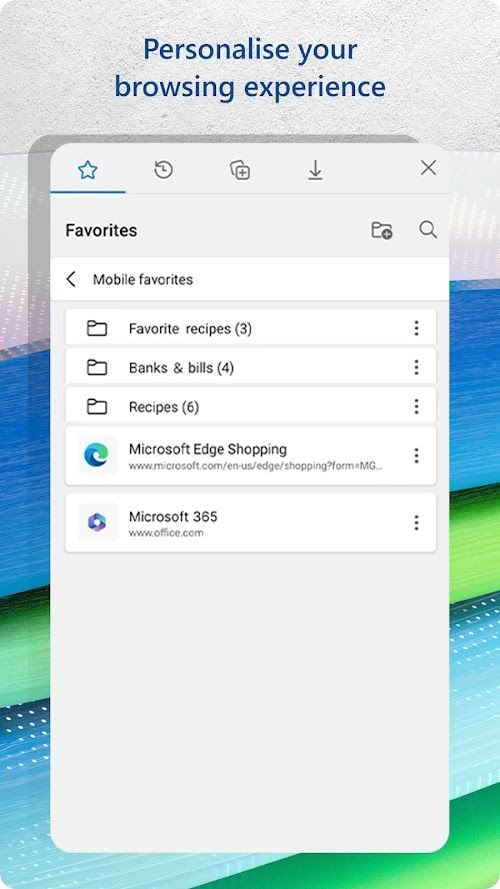
Moreover, Microsoft Edge: Web Browser is built with the modern user in mind. From seamless integration with Microsoft Office products to enhanced accessibility options, immersive reader mode, and comprehensive customization capabilities, this browser continually seeks to transform the way people interact with the internet.
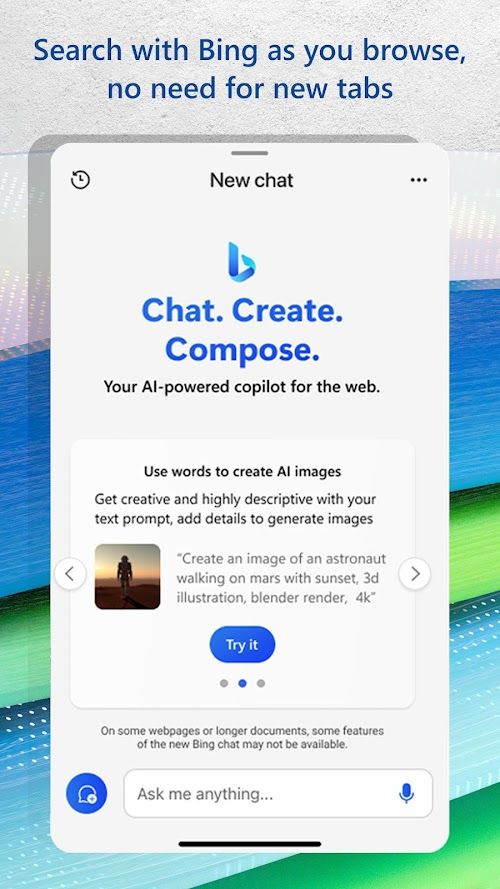
Also, in a year when artificial intelligence search engines have revolutionized the game, Microsoft Edge: Web Browser is certainly not left behind. Powered by Bing, Microsoft Edge: Web Browser is equipped with the most advanced, fast and accurate GPT-4 model that makes the search for the answers users crave more comprehensive and intelligent than the GPT-3 model that is widely used now in the market. Like a helper that can take your questions to all corners of the web world and intelligently summarize and refine the best answers, there is no better tool than Microsoft Edge: Web Browser for any user looking for truth or inspiration.
Features
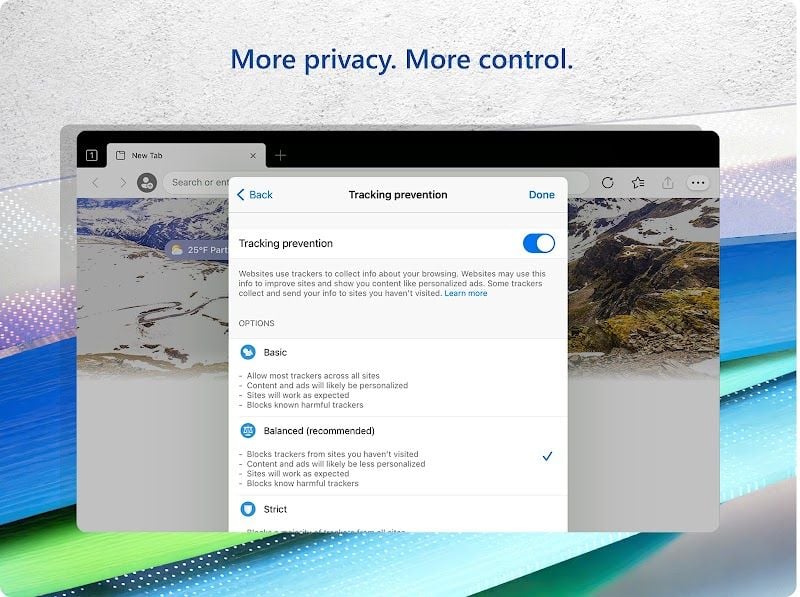
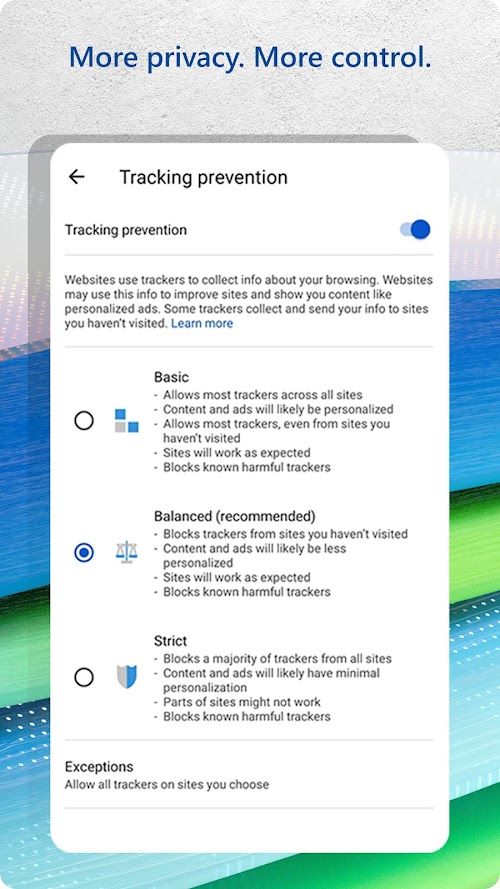
 Microsoft Edge provides users with three privacy setting levels – Basic, Balanced, and Strict. These settings control the amount of data collected and how third-party trackers are blocked, allowing users to customize their browsing experience.
The browser is optimized for a smooth browsing experience with quick page load times and responsiveness, competing with other leading browsers in the market.
Microsoft Edge introduces a unique feature called Vertical Tabs, allowing users to manage their tab clutter more efficiently by arranging tabs vertically along the left side of the browser. This organization method enables users to quickly navigate and switch between multiple tabs without facing excessive clutter.
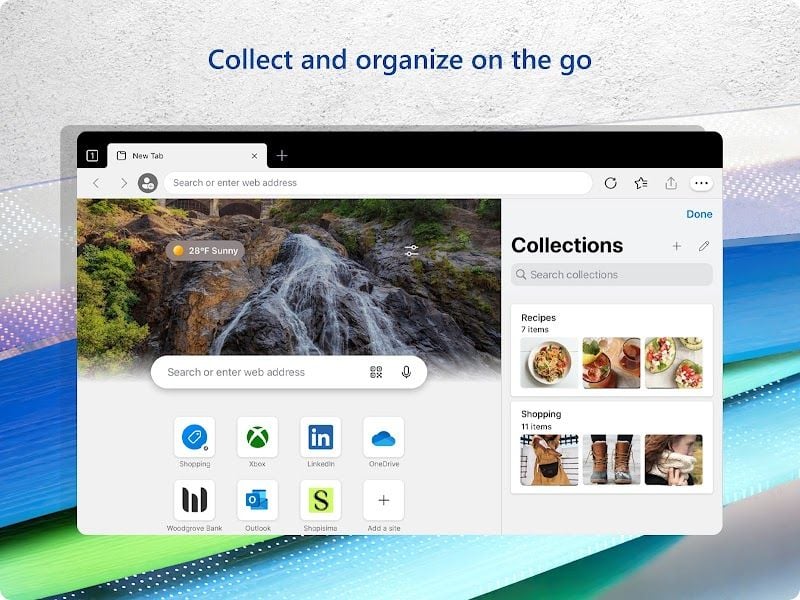
As a built-in feature that lets users save and organize content from various websites in a single location, Collections provides an easy way to curate and group information. It can be further shared or exported to other Microsoft Office applications like Word, Excel, and PowerPoint.
Microsoft Edge provides users with three privacy setting levels – Basic, Balanced, and Strict. These settings control the amount of data collected and how third-party trackers are blocked, allowing users to customize their browsing experience.
The browser is optimized for a smooth browsing experience with quick page load times and responsiveness, competing with other leading browsers in the market.
Microsoft Edge introduces a unique feature called Vertical Tabs, allowing users to manage their tab clutter more efficiently by arranging tabs vertically along the left side of the browser. This organization method enables users to quickly navigate and switch between multiple tabs without facing excessive clutter.
As a built-in feature that lets users save and organize content from various websites in a single location, Collections provides an easy way to curate and group information. It can be further shared or exported to other Microsoft Office applications like Word, Excel, and PowerPoint.
Advantage
 Microsoft Edge smoothly integrates with other Microsoft products, creating a seamless cross-application user experience, especially for those heavily invested in the Microsoft ecosystem.
Microsoft Edge has in-built tools like Tracking Prevention, Microsoft Defender SmartScreen, and customizable privacy controls, making it a secure browser catering to modern users’ security needs.
Utilizing Chromium as its core foundation, the browser achieves top-notch performance levels and competes head-to-head with its rivals in loading times.
Microsoft Edge smoothly integrates with other Microsoft products, creating a seamless cross-application user experience, especially for those heavily invested in the Microsoft ecosystem.
Microsoft Edge has in-built tools like Tracking Prevention, Microsoft Defender SmartScreen, and customizable privacy controls, making it a secure browser catering to modern users’ security needs.
Utilizing Chromium as its core foundation, the browser achieves top-notch performance levels and competes head-to-head with its rivals in loading times.
Shortcoming
 Although the browser has an expanding gallery of extensions, it’s still not as broad and diverse as that of its competitors, limiting some users from switching over.
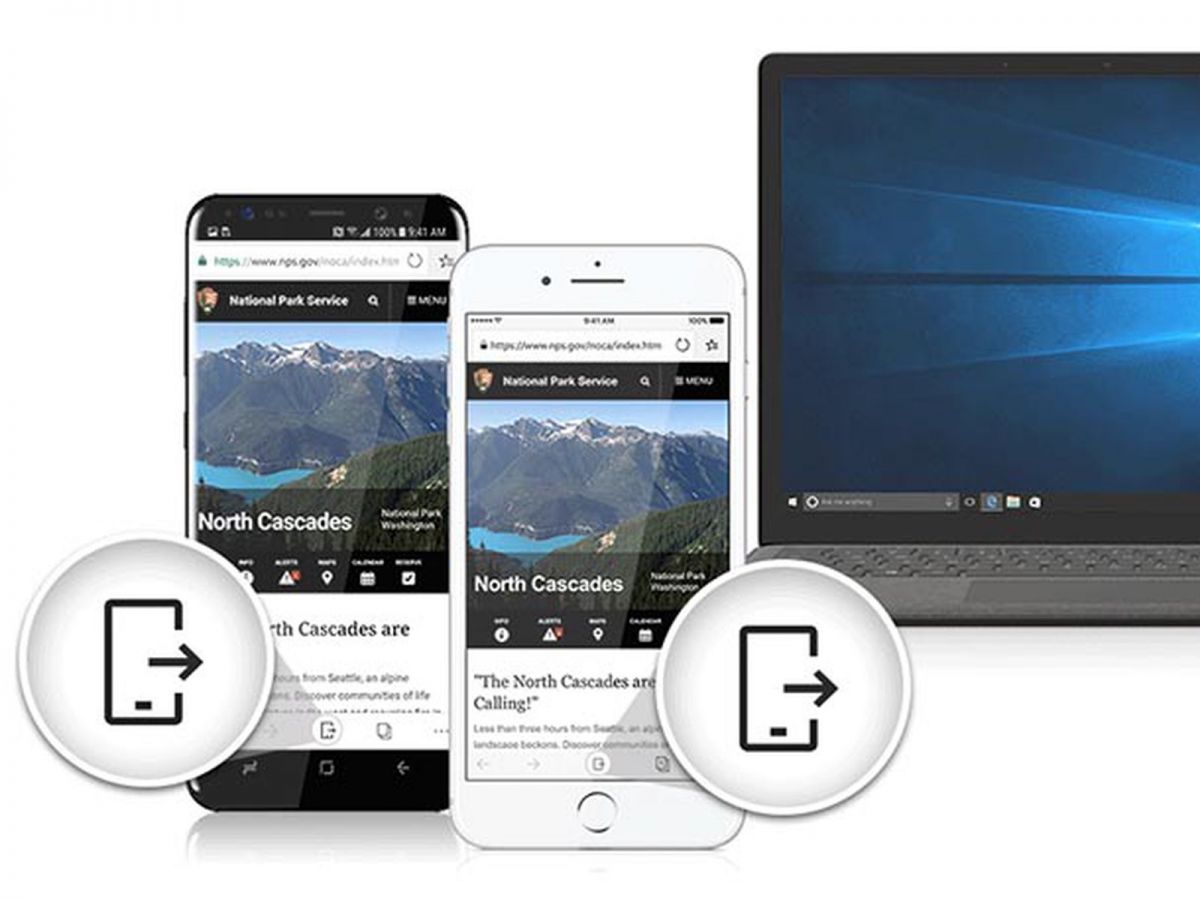
Microsoft Edge supports syncing across devices; however, this functionality is not as seamless and robust as that provided by Google, resulting in a less-than-perfect experience for users.
Although the browser has an expanding gallery of extensions, it’s still not as broad and diverse as that of its competitors, limiting some users from switching over.
Microsoft Edge supports syncing across devices; however, this functionality is not as seamless and robust as that provided by Google, resulting in a less-than-perfect experience for users.
 Scanned by
Virus Total
Scanned by
Virus Total
Ratings
-
5

-
4
-
3
-
2
-
1
Disclaimer
 APKBBS does not directly participate in application distribution and does not hold shares of
application developers directly.
We provide images and links included in Google Play and App Store to help our users find the best
applications and games. All merchant trademarks and logos displayed on the website are the property of
their respective owners. The website is not affiliated with or associated with any of them.
APKBBS complies with the Federal Digital Millennium Copyright Act (DMCA) by responding to suspected
infringement notices that comply with DMCA and other applicable laws.
Every APK file that may be downloaded from APKBBS.com is also secure.
APKBBS does not directly participate in application distribution and does not hold shares of
application developers directly.
We provide images and links included in Google Play and App Store to help our users find the best
applications and games. All merchant trademarks and logos displayed on the website are the property of
their respective owners. The website is not affiliated with or associated with any of them.
APKBBS complies with the Federal Digital Millennium Copyright Act (DMCA) by responding to suspected
infringement notices that comply with DMCA and other applicable laws.
Every APK file that may be downloaded from APKBBS.com is also secure.
Hot Apps
 4.4
4.4
 4.3
4.3
 4.2
4.2
 4.5
4.5
 4.3
4.3
 4.5
4.5
 4
4
 4.8
4.8
 4.5
4.5
 4.5
4.5
 4.1
4.1
 4.3
4.3

Amazon Alexa
Duolingo: language lessons

Geeni
Nextdoor: Neighborhood network

Police Scanner - Scanner Radio

Shazam

SiriusXM: Music, Sports & News
TextNow: Call + Text Unlimited

Yuka - Scan de produits
WhatsApp Messenger

Google Chat

OfferUp: Buy. Sell. Letgo.

Fitbit
Tubi TV

Afterpay - Buy Now. Pay Later

Wyze - Make Your Home Smarter

SHEIN-Shopping Online
Signal

MyChart