



Editor’s Review
In the rapidly evolving world of artificial intelligence (AI), one tool has emerged as a standout among developers and researchers - TensorFlow. Developed by the Google Brain team and released to the public in 2015, TensorFlow has quickly become a go-to framework for building and deploying machine learning (ML) and deep learning (DL) models.
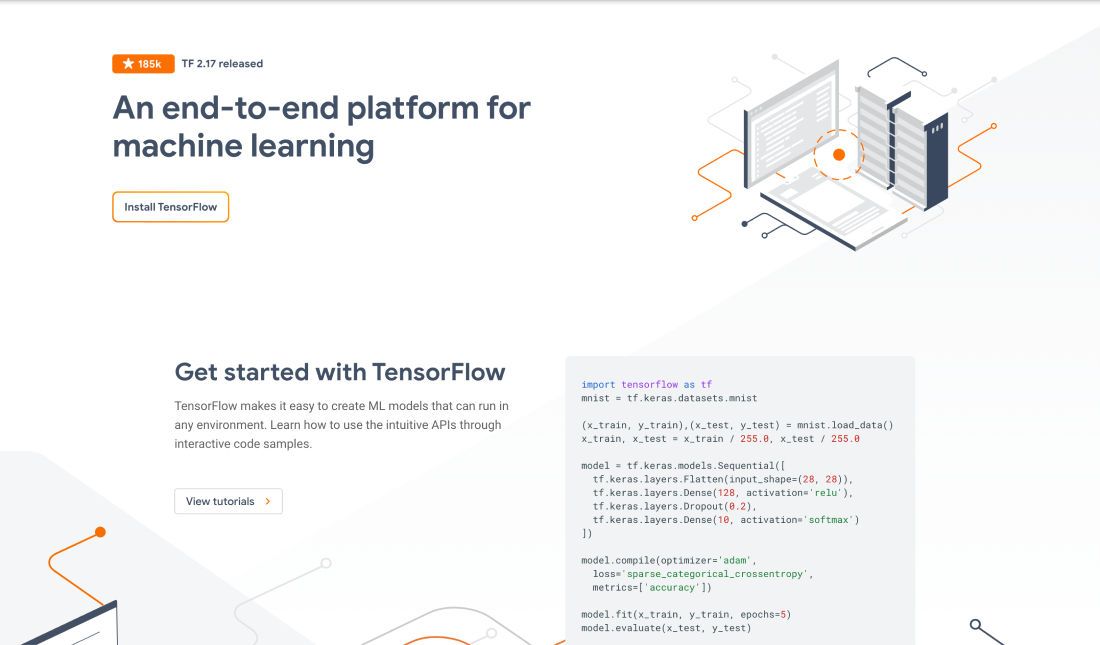
To begin with, TensorFlow is an open-source library for numerical computation and large-scale machine learning. It was originally designed to make it easier to build and deploy ML models, particularly those involving neural networks. The name "TensorFlow" is derived from the concept of tensors, which are multidimensional arrays that are the fundamental data structure used in the framework.
TensorFlow provides a flexible ecosystem of tools, libraries, and community resources that allow developers to build and deploy ML models in a variety of environments, including on-premise servers, in the cloud, and even on mobile and edge devices. It supports a wide range of programming languages, including Python, Java, C++, and more, making it accessible to developers with different skill sets.
In summary, TensorFlow has firmly established itself as a leading AI framework, providing a comprehensive and flexible ecosystem for building and deploying machine learning and deep learning models. Its strengths, such as scalability, performance optimization, and extensive community support, make it a popular choice for a wide range of AI applications. However, the framework's complexity and steep learning curve may present challenges for some users, particularly those new to the field of machine learning. As the AI landscape continues to evolve, TensorFlow's ongoing development and the efforts of its vibrant community will ensure its continued relevance and impact in the world of artificial intelligence.
Features
1. Handles large-scale, complex data processing tasks: It excels at efficiently managing the flow of data through a graph-based computational model, which allows for parallelization and optimization of computations.
2. Support for both eager execution and graph-based execution: Eager execution allows for immediate evaluation of operations, making it easier to debug and iterate on code. Graph-based execution, on the other hand, enables more efficient deployment of models, especially on resource-constrained devices.
3. Boasts a robust ecosystem of pre-built models and libraries: Such as TensorFlow Lite for mobile and embedded devices, TensorFlow.js for web and Node.js environments, and TensorFlow Serving for serving trained models in production.
Pros
1. Flexibility and Scalability: TensorFlow's graph-based computational model allows for easy scaling and optimization of ML models, making it suitable for a wide range of applications, from small-scale experiments to large-scale production deployments.
2. Extensive Community and Resources: TensorFlow benefits from a large and active community of developers, researchers, and enthusiasts who contribute to the framework, create tutorials and documentation, and share pre-built models and libraries.
3. Robust Tooling and Integrations: TensorFlow integrates with a variety of other tools and libraries, such as Keras for high-level model building, TensorBoard for visualizing model performance, and TensorFlow Serving for deploying models in production.
4. Performance Optimization: TensorFlow provides various optimization techniques, such as automatic differentiation, graph optimization, and hardware acceleration (e.g., GPU and TPU support), which can significantly improve the performance of ML models.
Cons
1. Complexity: As TensorFlow has grown in features and capabilities, it has also become more complex, which can make it challenging for beginners to navigate and understand the full scope of the framework.
2. Verbosity: Compared to some other ML frameworks, TensorFlow code can be more verbose and require more boilerplate, which can make it less concise for simple use cases.
3. Dependency on Python: While TensorFlow supports multiple programming languages, it is primarily oriented around Python, which may be a limitation for developers who prefer other languages.